TikTok Video Downloader - No Watermark
Save TikTok videos in 4K/HD quality without watermark for free
- Download Full Profile
- High Speed Download
- HD/4K Visual Quality
- Bulk Video Saving
TikMate App: Best TikTok Downloader for Android
Download TikMate APK for Android to save high-quality TikTok videos without watermarks instantly. Fast, light, and easy to use with just one tap.
Download TikTok Videos in HD – Fast, Free & No Watermark
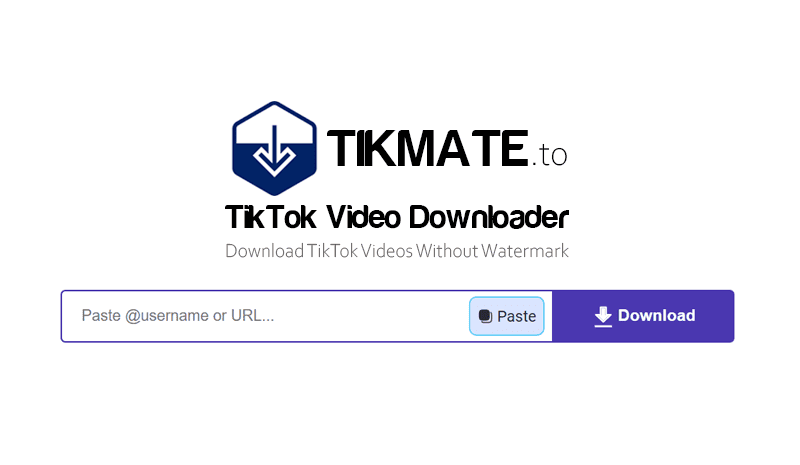
TikMate is a powerful tool that helps you download TikTok videos in HD, Full HD, and 4K quality without watermarks. It works seamlessly on all browsers (Android, iOS, PC) without any software or app installation. Simply copy and paste the TikTok link into the search box on TikMate.to and click the download button to save videos quickly, safely, and completely free.
Beyond single downloads, TikMate also supports a bulk download feature, helping you quickly save all videos from a channel by entering a @username or profile link. After clicking the Download All button, the tool compresses all videos into a single ZIP file, making it easy to download, store, and manage on your personal device.
How to Download TikTok Videos Without Watermark with TikMate
Get your high-quality videos instantly with our automated tool. Follow these 3 simple steps to start downloading:
- Step 1: Open TikTok and find your video → Click Share → Choose Copy Link to grab the URL.
- Step 2: Go to TikMate.to, paste the link into the box, and hit Download.
- Step 3: Select your desired file format or quality, then click Download to save the video to your device.
Why TikMate is the Best Choice for TikTok Users?
- ✅ No Watermark: Save any TikTok video with a clean look, completely removing logos and IDs.
- ✅ Stunning HD/4K Quality: TikMate preserves the original resolution, ensuring crystal-clear downloads every time.
- ✅ Universal Access: Seamlessly compatible with PC, iPhone, and Android through any modern web browser.
- ✅ Power Archiving: Use our bulk feature to download entire profiles and back up mass content instantly.
- ✅ Instant Download Speed: Integrated with a worldwide CDN to guarantee the fastest delivery available.
Legal Disclaimer & Usage Terms
TikMate is an independent third-party tool with no affiliation to TikTok or ByteDance Ltd. We do not host or store any media on our servers; our platform strictly functions as a technical bridge to transfer public files directly from TikTok's CDN to your device for personal use.
Users are solely responsible for adhering to intellectual property and privacy laws. By accessing TikMate.to, you agree to comply with TikTok's official terms of service; we assume no liability for any copyright infringement or unauthorized misuse of content.
Frequently Asked Questions
What exactly is TikMate TikTok Downloader?
- TikMate is a powerful online tool designed to help you save TikTok videos in high definition without any watermarks. Our service is completely free and works directly in your browser, eliminating the need to install any complex software or extensions.
Is there a fee for using the TikMate download service?
- Absolutely not. Our TikTok downloading service is 100% free and offers unlimited access to all users. You can download as many videos as you want at no cost. We sustain our operations through minimal advertisements that do not interfere with your experience.